
Finance Data ManagementThe Complete Finance Automation Platform for QuickBooks Online
Import and export your data, automate accounts payable, manage expense reimbursements, process credit card bookings, and get powerful financial insights — all in one place.
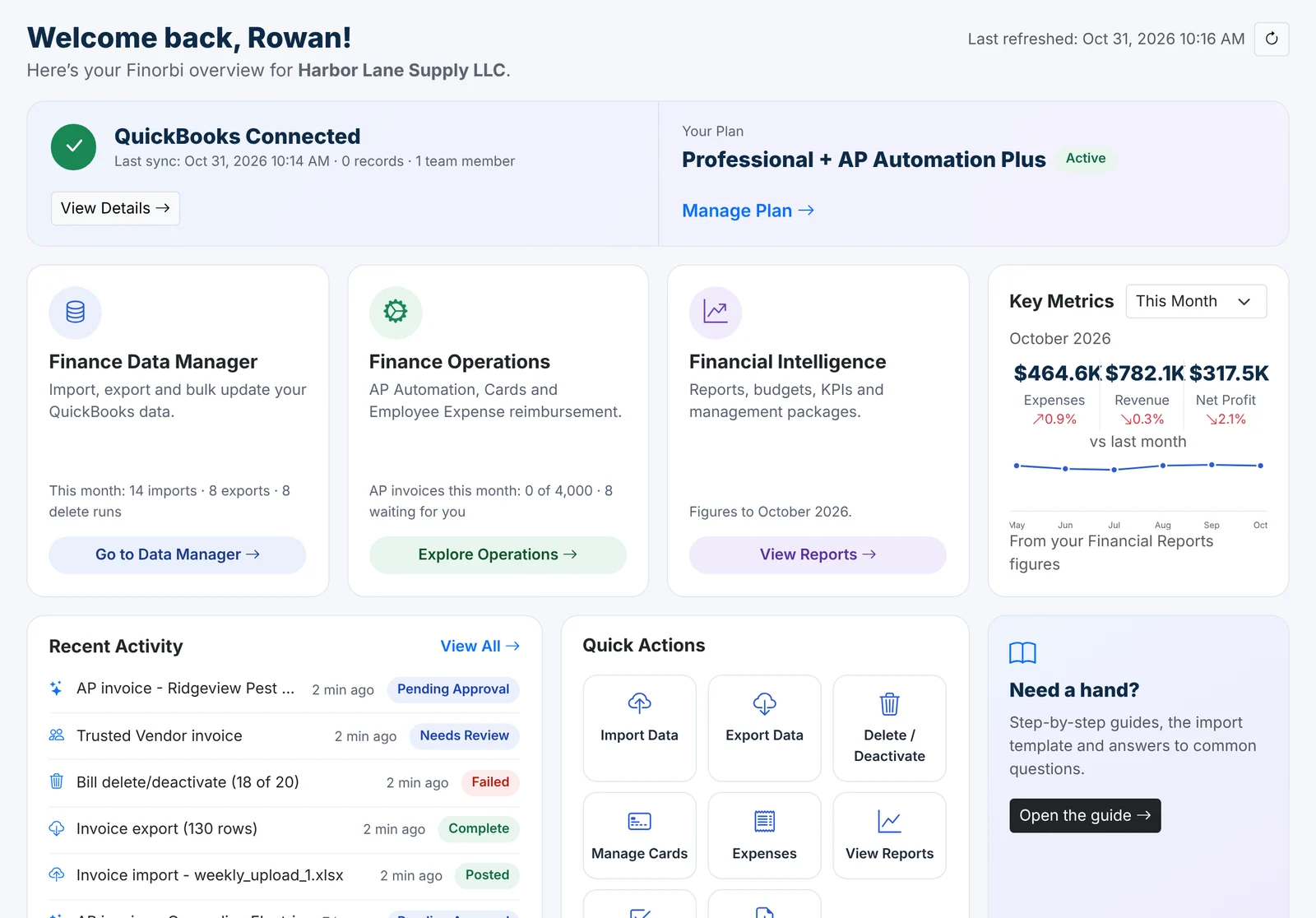
From spreadsheet chaos to QuickBooks Online, in one afternoon
A 45-second look at how firms use Finorbi to bulk import and export without the manual re-entry.
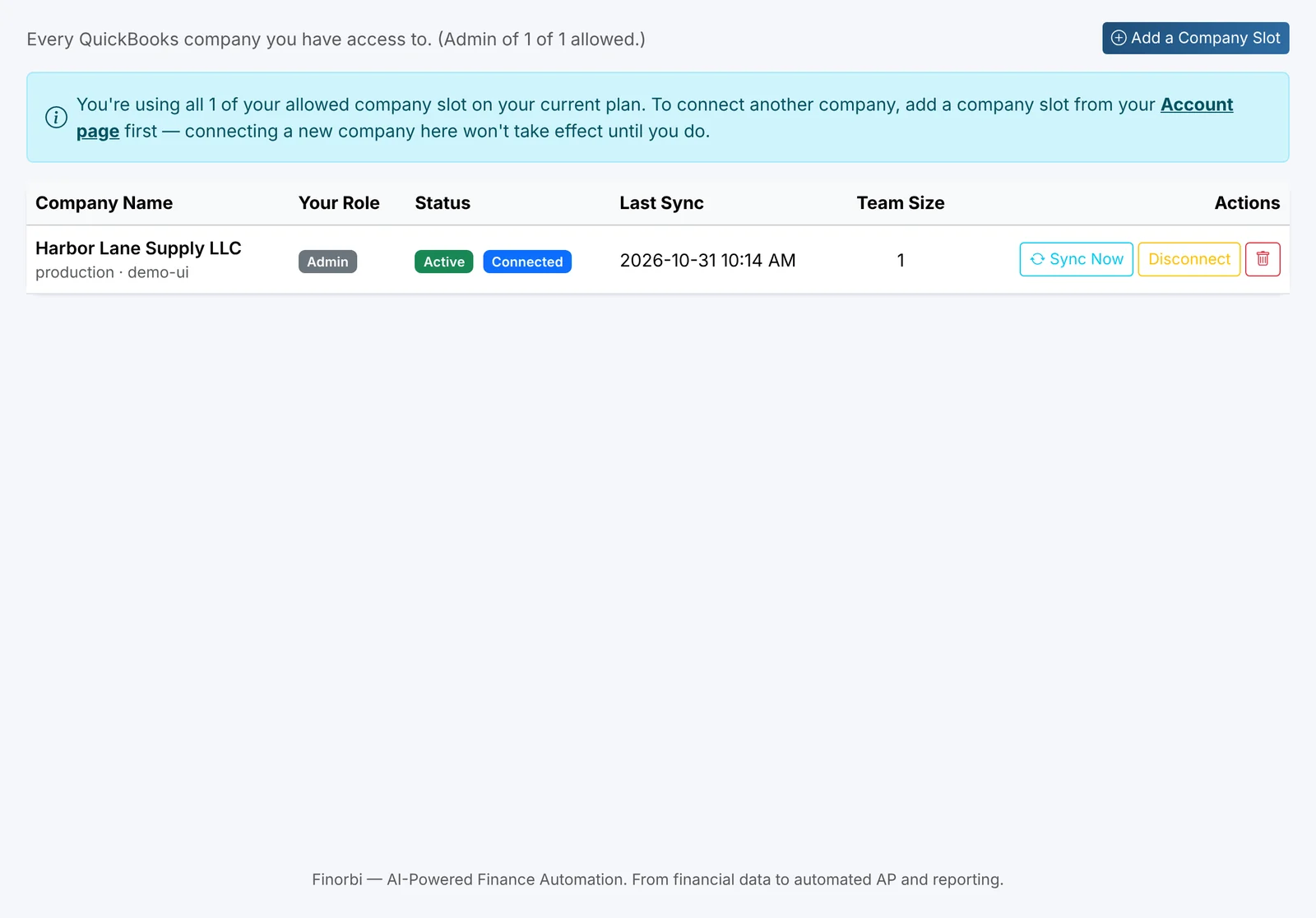
A real connection to QuickBooks — not a workaround
Every record you import or export moves through Intuit’s official Accounting API, authorized the same way QuickBooks itself expects.
Built on QuickBooks' official API
Every import and export runs through Intuit's own Accounting API — no scraping, no workarounds.
Secure OAuth 2.0 connection
We never see or store your QuickBooks username or password. Revoke access anytime, from either side.
Real, two-way sync
Push data in, pull data out — Chart of Accounts, Customers, Vendors, and every transaction type stay current.
24 transaction types supported
From Journal Entries to Bill Payments — the full range of what QuickBooks Online can record.
Everything you need to run your finances
One connected platform for QuickBooks Online data, accounts payable, spend management, and the reporting that ties it all together.
Import & Export
Bulk import and export all 24 QuickBooks Online transaction types with real-time validation against your live company data.
Learn moreAP Automation
Get vendor bills, invoices, and credit memos read, matched, and posted to QuickBooks Online automatically — with an approval queue for everything else.
Learn moreExpense Reimbursements
Employees submit expenses, managers approve them, and reimbursements post straight to QuickBooks Online — no spreadsheets, no chasing receipts.
Learn moreCredit Card Bookings
Automatically import and categorize credit card transactions, match them to receipts, and post them for a faster month-end close.
Learn moreFinancial Intelligence
Real-time P&L, cash flow, and custom management reports built on your live QuickBooks Online data — so you always know where you stand.
Learn morePlans that scale with your finance operations
Start with core import/export, then add AP Automation, Expense Reimbursements, Credit Card Bookings, or Financial Intelligence as you grow.
Basic
For small businesses and bookkeepers
- Finance Data Manager — Import, Export, Edit/Update & Delete/Deactivate
- All 24 QuickBooks Online transaction types
- Excel/CSV mapping, validation & import history
- Basic financial data exports
- Up to 3 users
Professional
For growing finance teams
- Everything in Basic
- Core Financial Reporting
- Actual vs. Budget and YoY analysis
- Multi-company data management
- Up to 5 users per company
Professional + AP Automation
For businesses that want invoices processed with less manual work
- Everything in Professional
- Trusted Vendor Automation with direct posting
- Intelligent AP processing for other vendors
- Approval Workflow & Approval Queue
- Up to 5 users per company
Finance teams get their afternoons back
“We migrated eleven client files into QuickBooks Online in a single afternoon. What used to be a two-week manual re-entry project is now a Tuesday.”
“The preview step alone has saved us from at least a dozen posting mistakes. I can see exactly what's about to hit the ledger before I confirm anything.”
“Working with credit cards, bills, bank transactions used to eat a lot of days every month-end. Now it's automated, reconciled, and I'm reviewing exceptions instead of typing rows.”
Questions, answered
All the core types: Journal Entries, Invoices, Bills, Estimates, Credit Memos, Sales Receipts, Refund Receipts, Purchase Orders, Vendor Credits, Checks, Cash Expenses, Credit Card Charges, Deposits, Transfers, Payments, Bill Payments, Time Activity, plus list data like Accounts, Customers, Vendors, Employees, Classes, and Products & Services.
Stop retyping what QuickBooks already knows
Start your free 14-day trial — every plan includes unlimited exports from day one.