
Every QuickBooks Online operation, one workflow
From a single spreadsheet to a fully validated, revertible import — built for the way accounting teams actually work.
Import 24 transaction types
Journal Entries, Invoices, Bills, Estimates, Credit Memos, Sales Receipts, Refund Receipts, Purchase Orders, Vendor Credits, Checks, Deposits, Transfers, Payments, Bill Payments, Time Activity, and every list type — Accounts, Customers, Vendors, Employees, Classes, and Products & Services.
- Item-based and account-based lines, on the same import
- Bill Payments and Payments link straight to the invoice or bill they settle
- Match by document number or QuickBooks internal ID
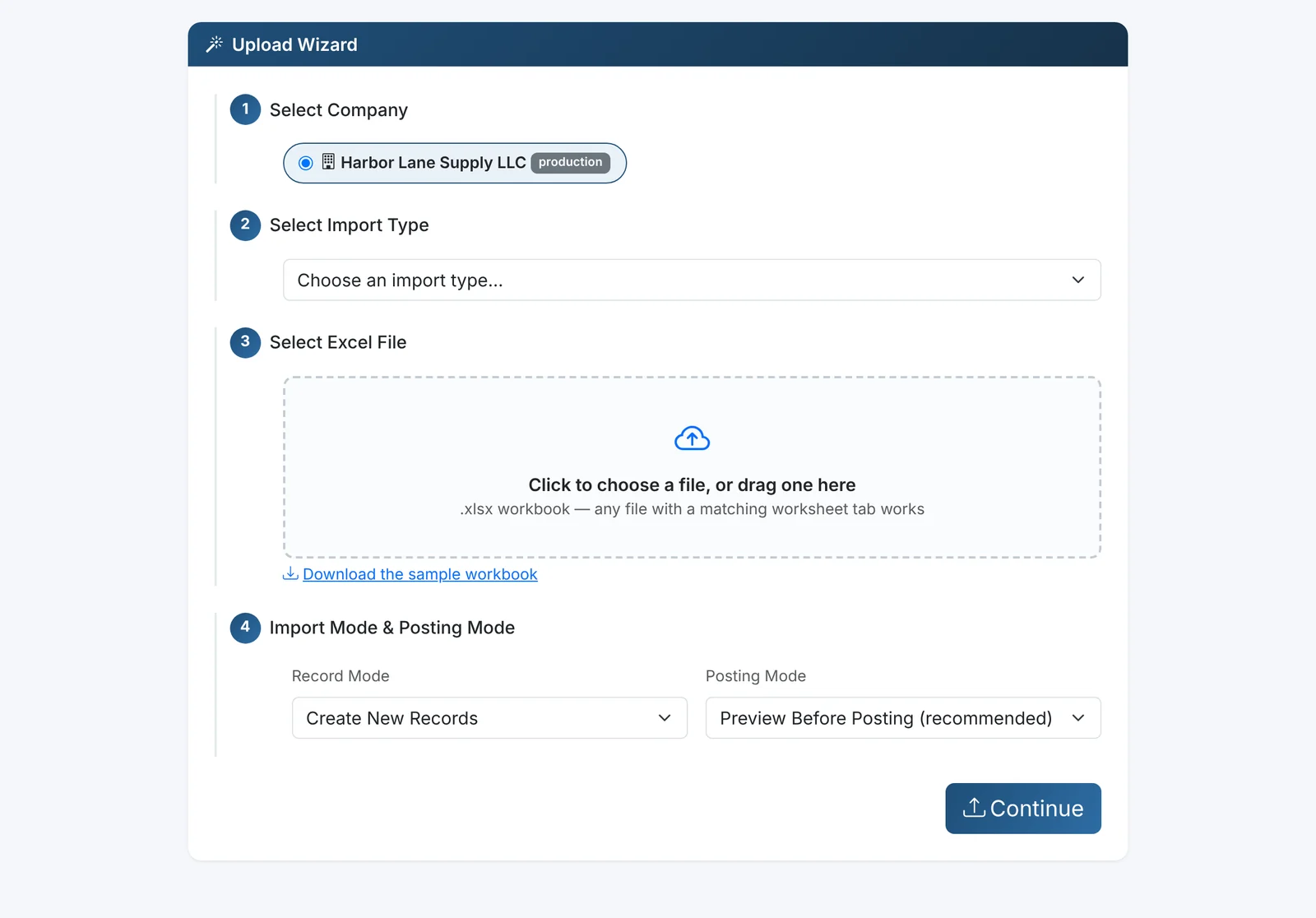
Validate before anything posts
Every account, vendor, customer, class, and location reference is checked against your live company file before a single row is submitted — not after.
- Missing references flagged with the exact row and field
- Auto-create missing accounts, vendors, customers, classes, or locations — your call, per company
- Preview the full payload before confirming
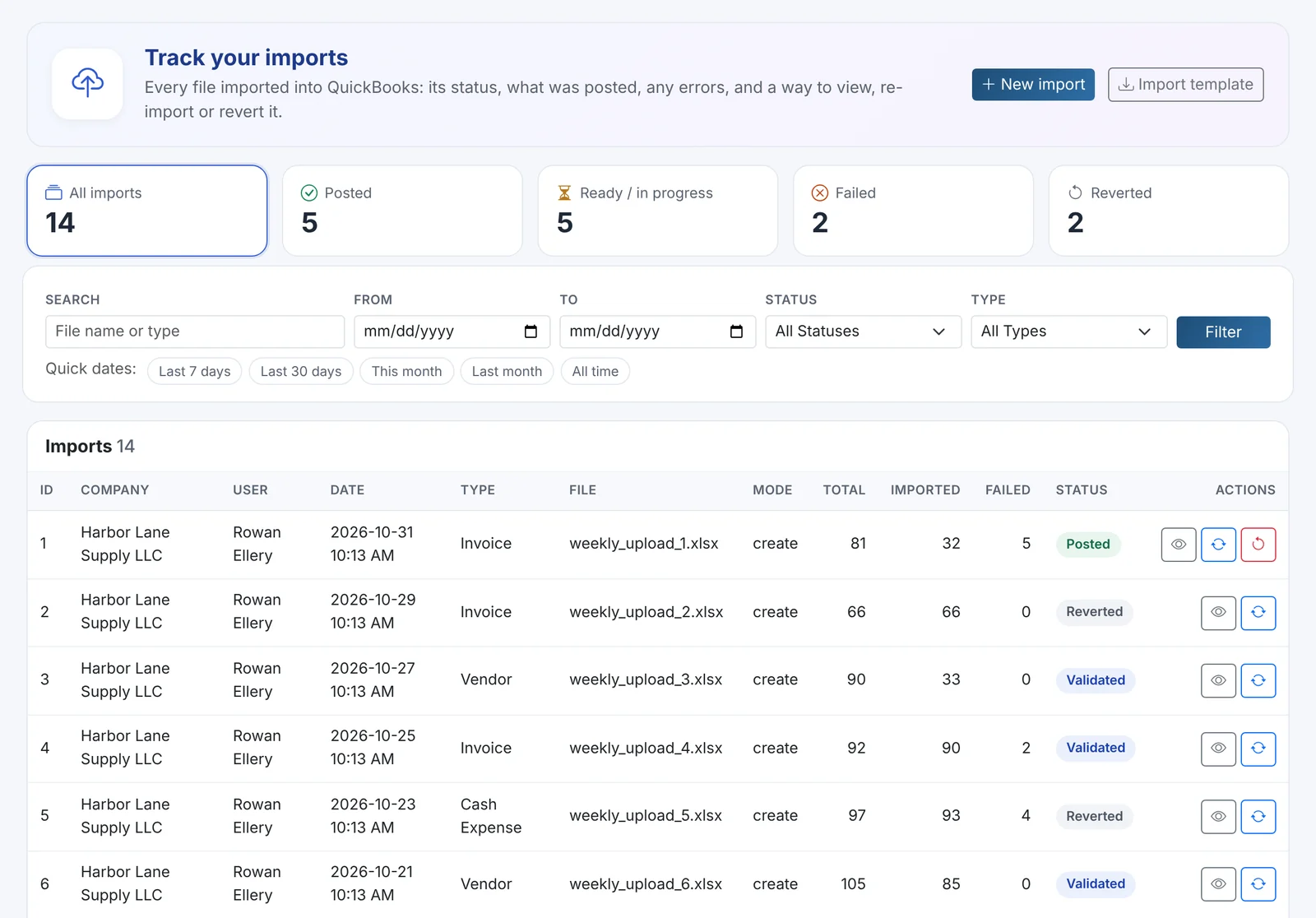
Automate the repetitive parts
Set rules once — auto-create references that don't exist yet, apply default mappings, and skip known duplicates automatically.
- Per-company automation settings, not global
- Skip-duplicate detection by document number
- Scheduled recurring imports (Automate plan)
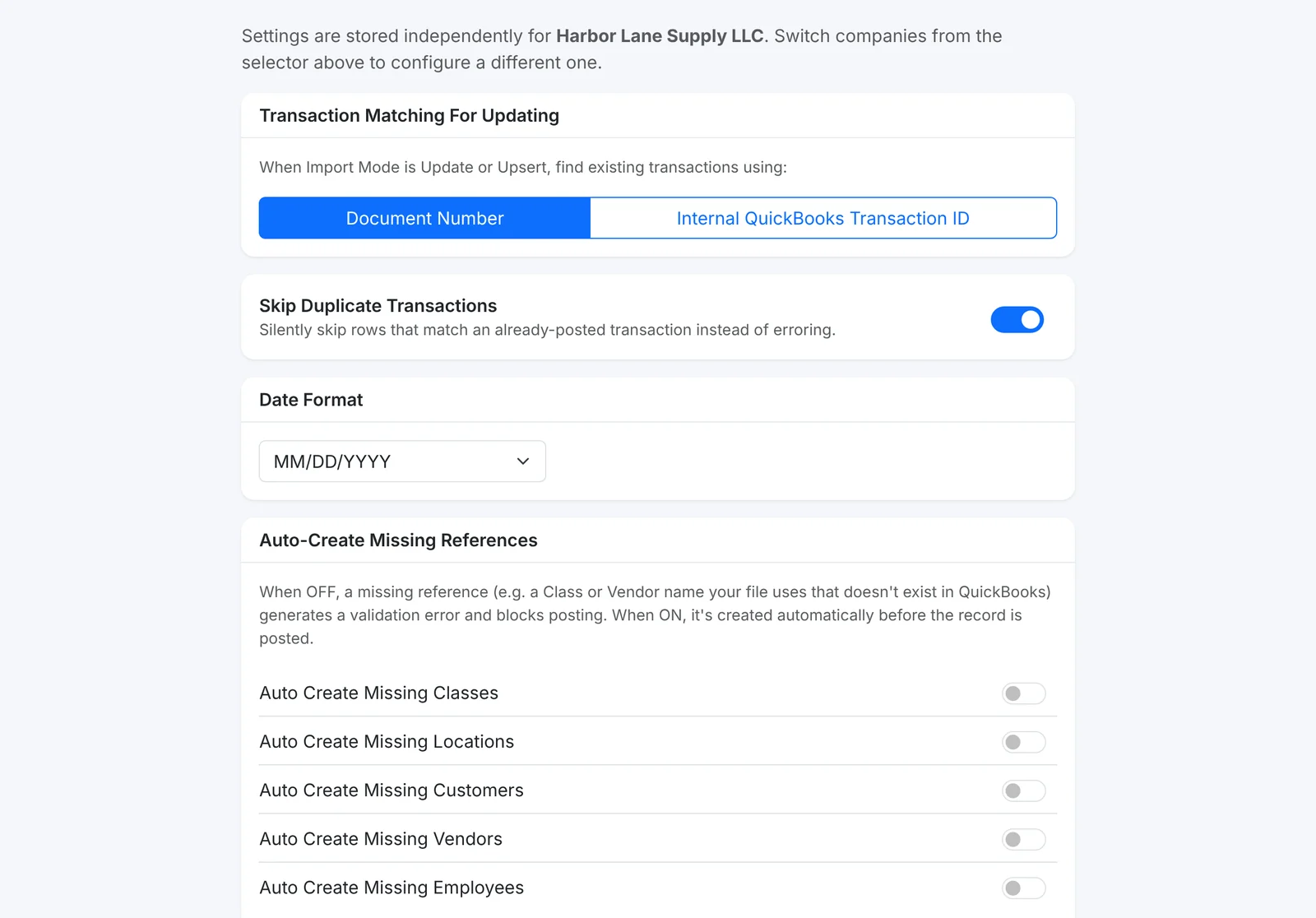
Revert with confidence
Made a mistake? Undo a single posted record or an entire import batch, with a live progress bar and a full audit trail.
- Per-row or full-batch revert
- Direct links into QuickBooks Online for every posted record
- Nothing is ever silently deleted — reverts are logged too
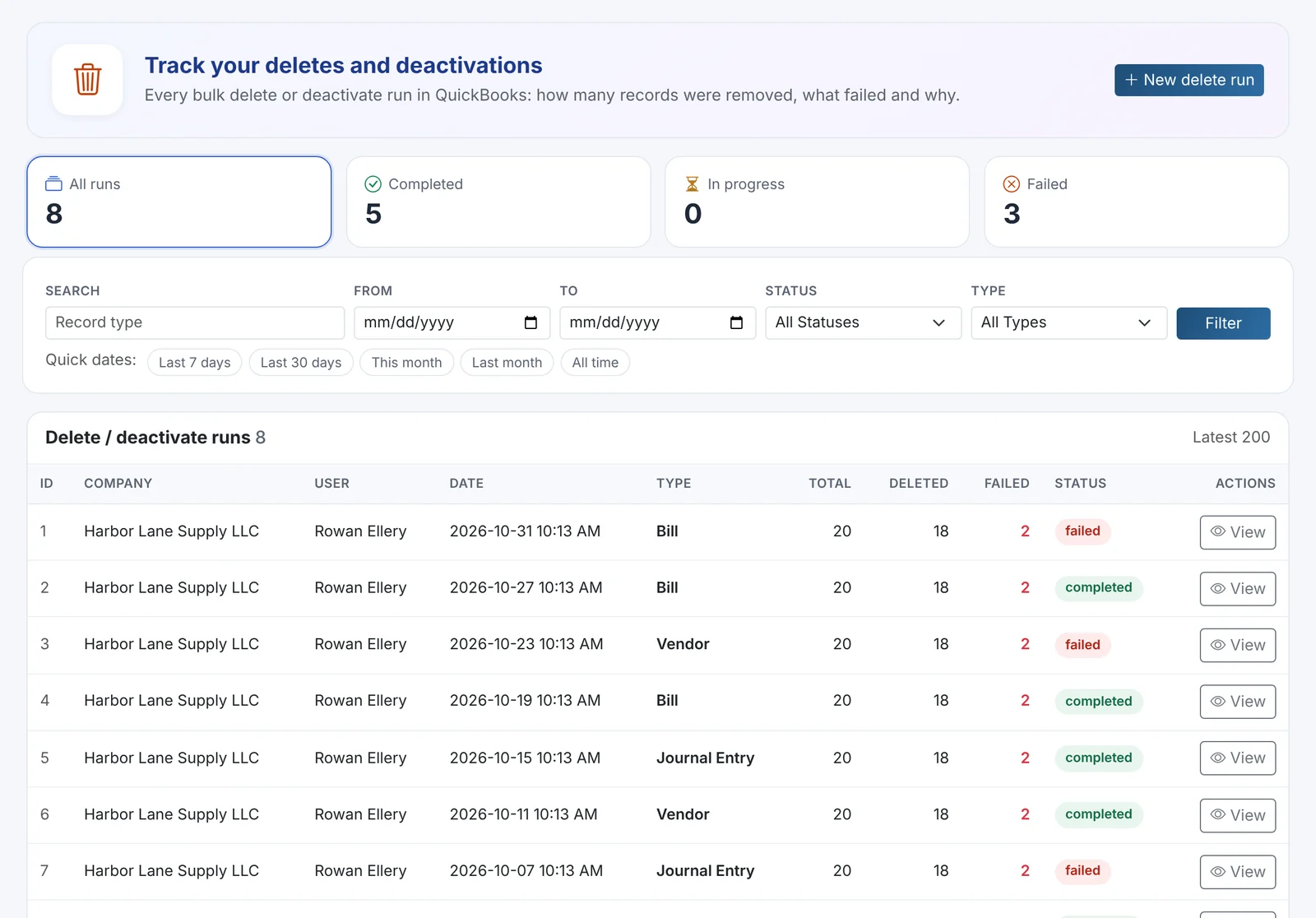
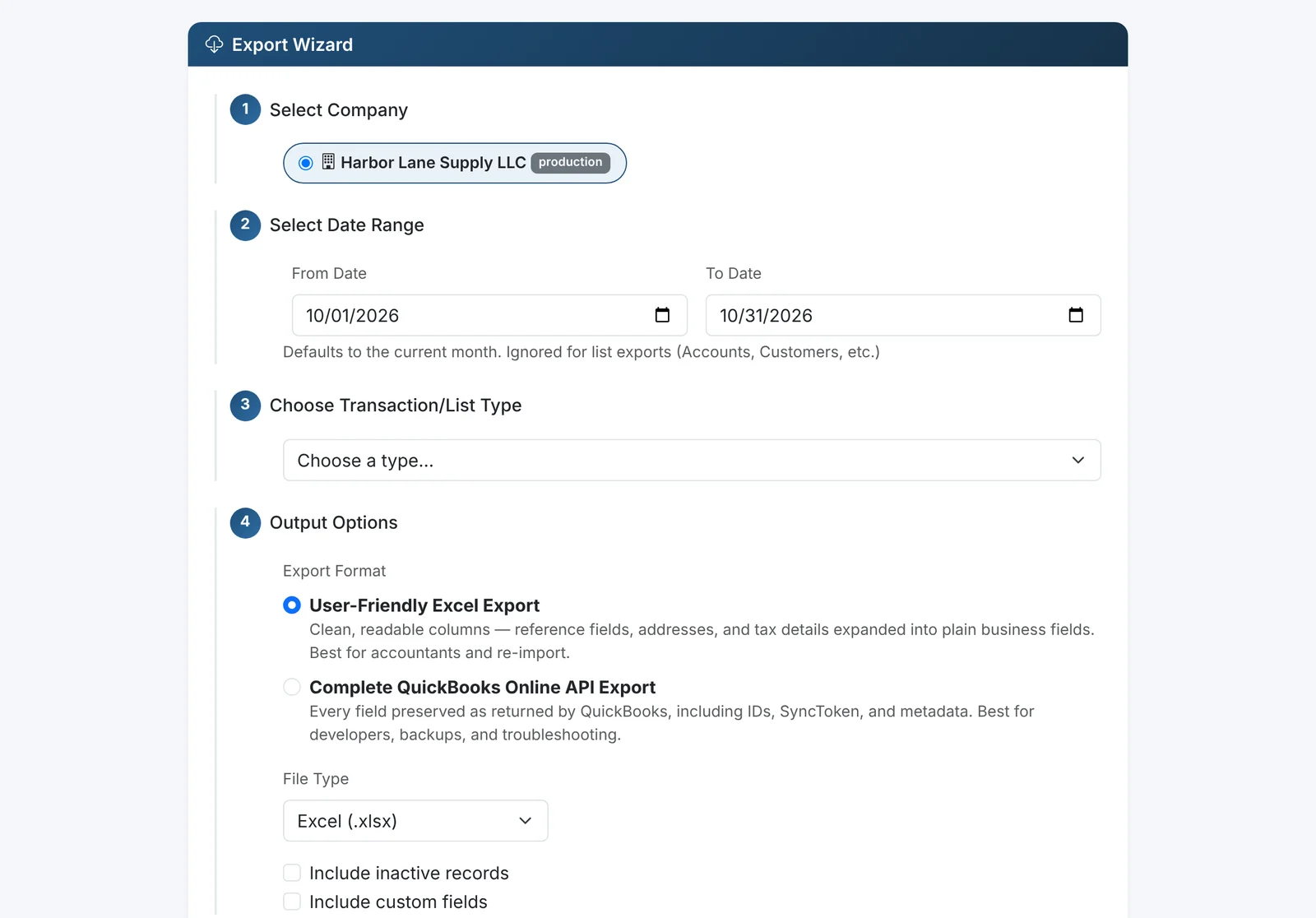
Export anything, anytime
Pull any date range of QuickBooks Online data back out to Excel, CSV, or JSON — unrestricted on every plan.
- All 24 transaction and list types supported
- Scheduled recurring exports for reconciliation workflows
- Full export history with one-click re-download
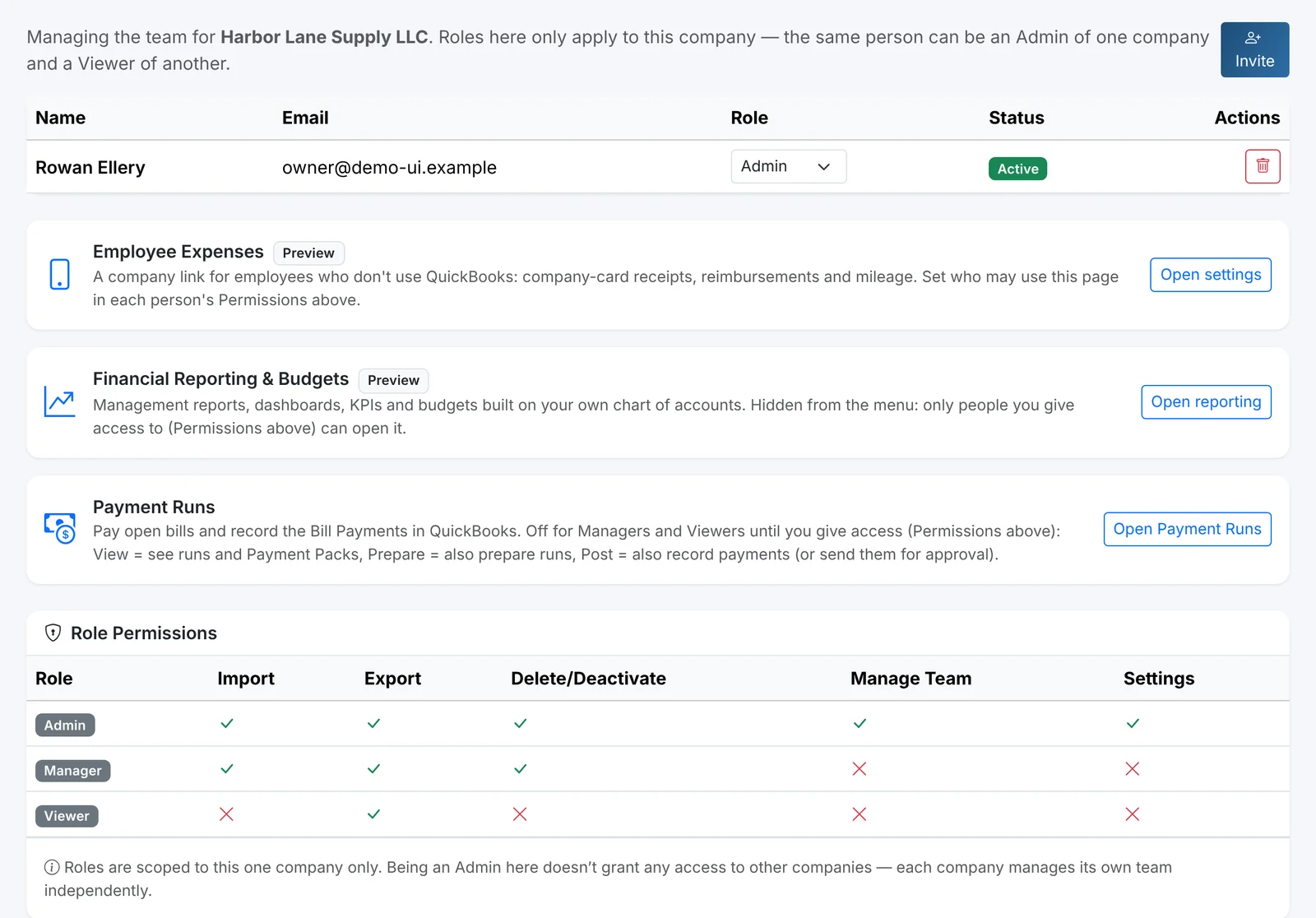
Built for teams, not just individuals
Invite your team, assign roles, and manage access per QuickBooks Online company — without sharing a single login.
- Role-based permissions: Admin, Manager, Viewer
- Sign in with your own Intuit account — no shared passwords
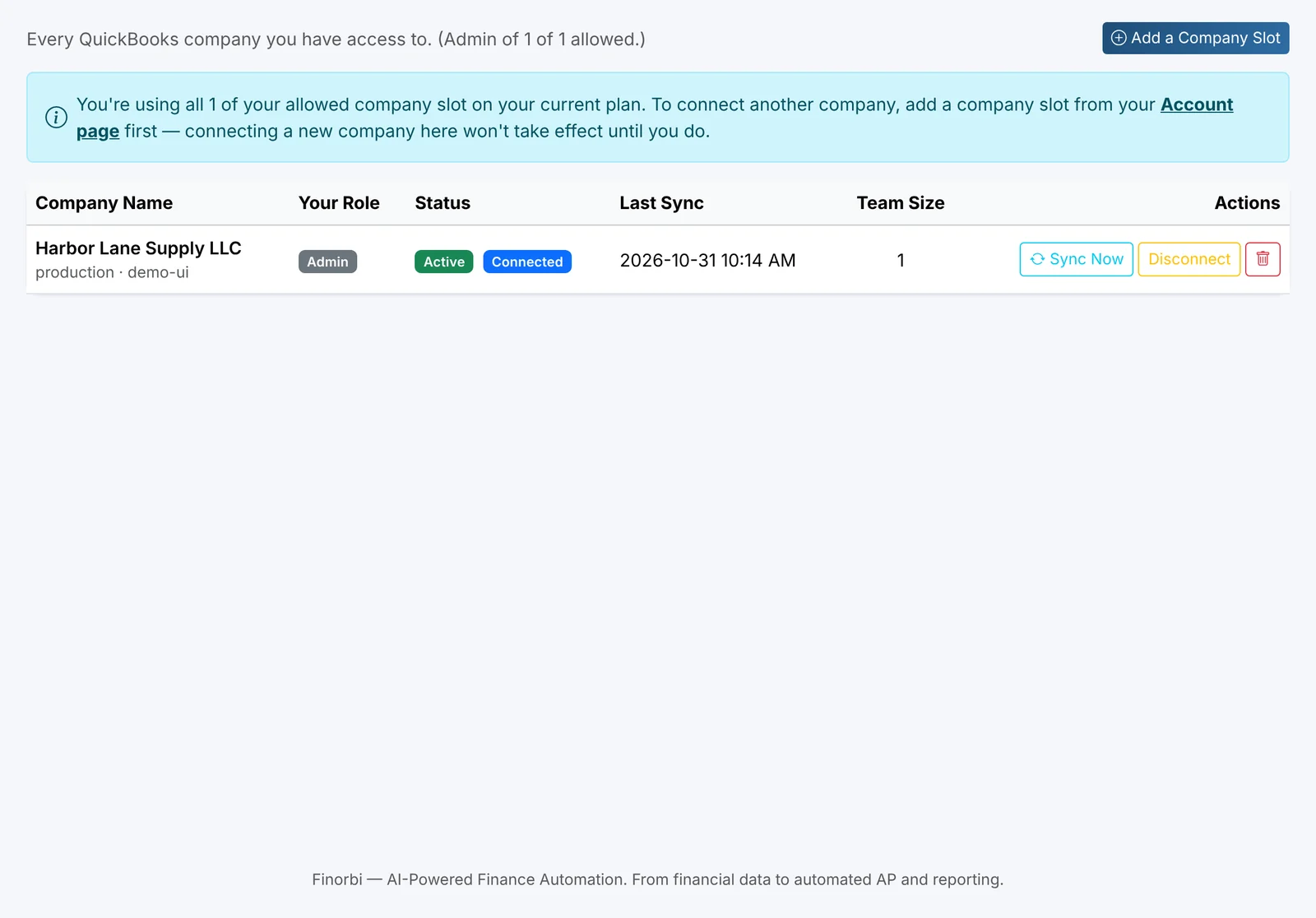
- Per-company access control for multi-client firms
A real connection to QuickBooks — not a workaround
Every record you import or export moves through Intuit’s official Accounting API, authorized the same way QuickBooks itself expects.
Built on QuickBooks' official API
Every import and export runs through Intuit's own Accounting API — no scraping, no workarounds.
Secure OAuth 2.0 connection
We never see or store your QuickBooks username or password. Revoke access anytime, from either side.
Real, two-way sync
Push data in, pull data out — Chart of Accounts, Customers, Vendors, and every transaction type stay current.
24 transaction types supported
From Journal Entries to Bill Payments — the full range of what QuickBooks Online can record.
One workflow, every QuickBooks Online operation
Replace hours of manual entry and a folder of half-finished spreadsheets with a single, validated workflow.
Bulk import
Drop in a spreadsheet of invoices, bills, journal entries, or any of 24 transaction types — mapped and posted in one pass.
Bulk export
Pull any date range of QuickBooks Online data back out to Excel or CSV for reconciliation, audits, or reporting.
Bulk updates
Update thousands of existing records at once — match by document number or internal ID, your choice.
Automation
Auto-create missing vendors, customers, classes, and accounts on the fly, governed by rules you control.
Live preview
See exactly what will post before it posts. Every row, every field, validated against your live company file.
Error validation
Catch missing accounts, bad references, and mismatched vendors before they ever touch your books.
Activity logs
Every import and export is recorded — who ran it, what changed, and a one-click link straight to QuickBooks Online.
Ready-made templates
Start from a pre-built Excel template for every supported transaction type — no blank-page guesswork.
Stop retyping what QuickBooks already knows
Start your free 14-day trial — every plan includes unlimited exports from day one.