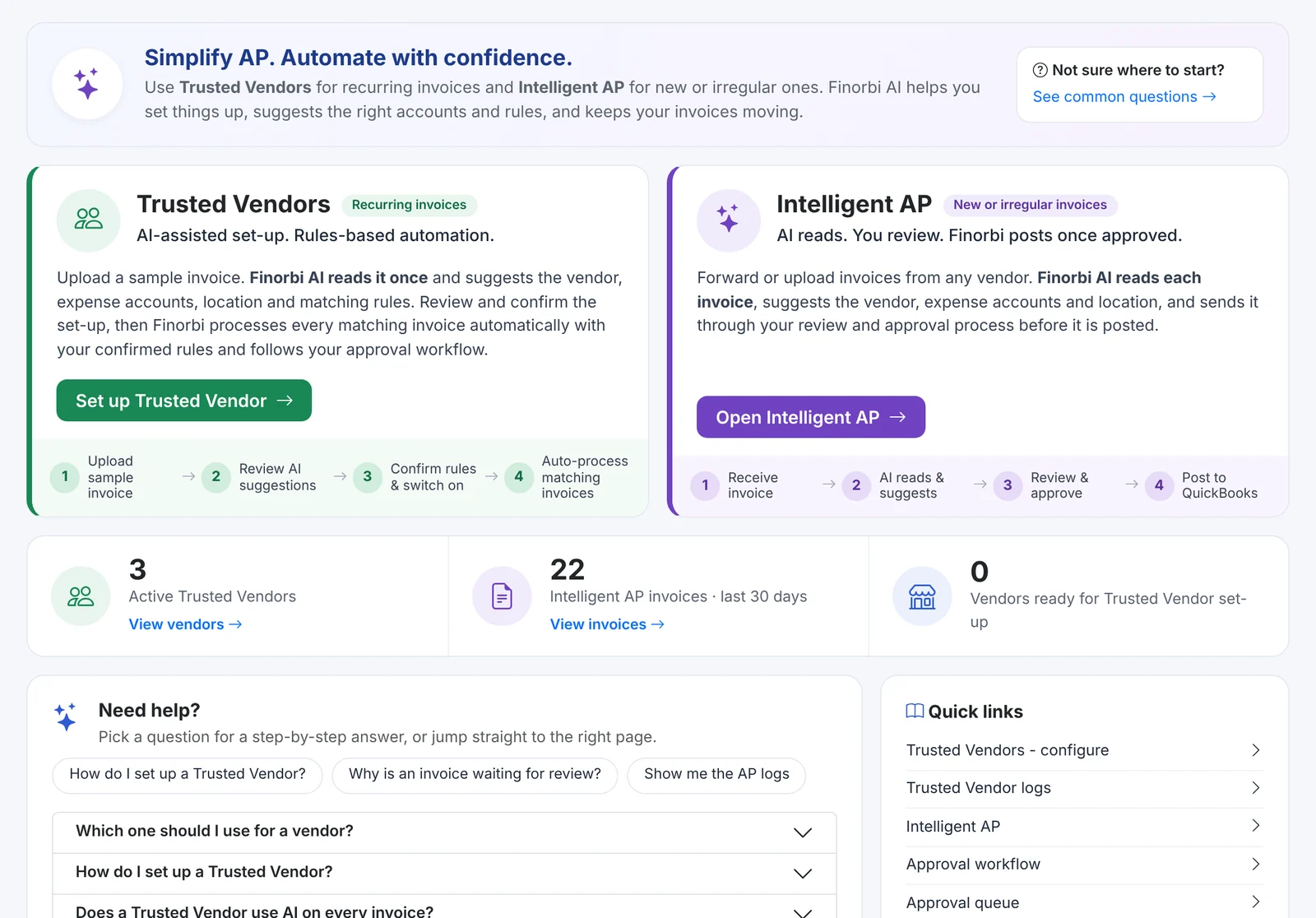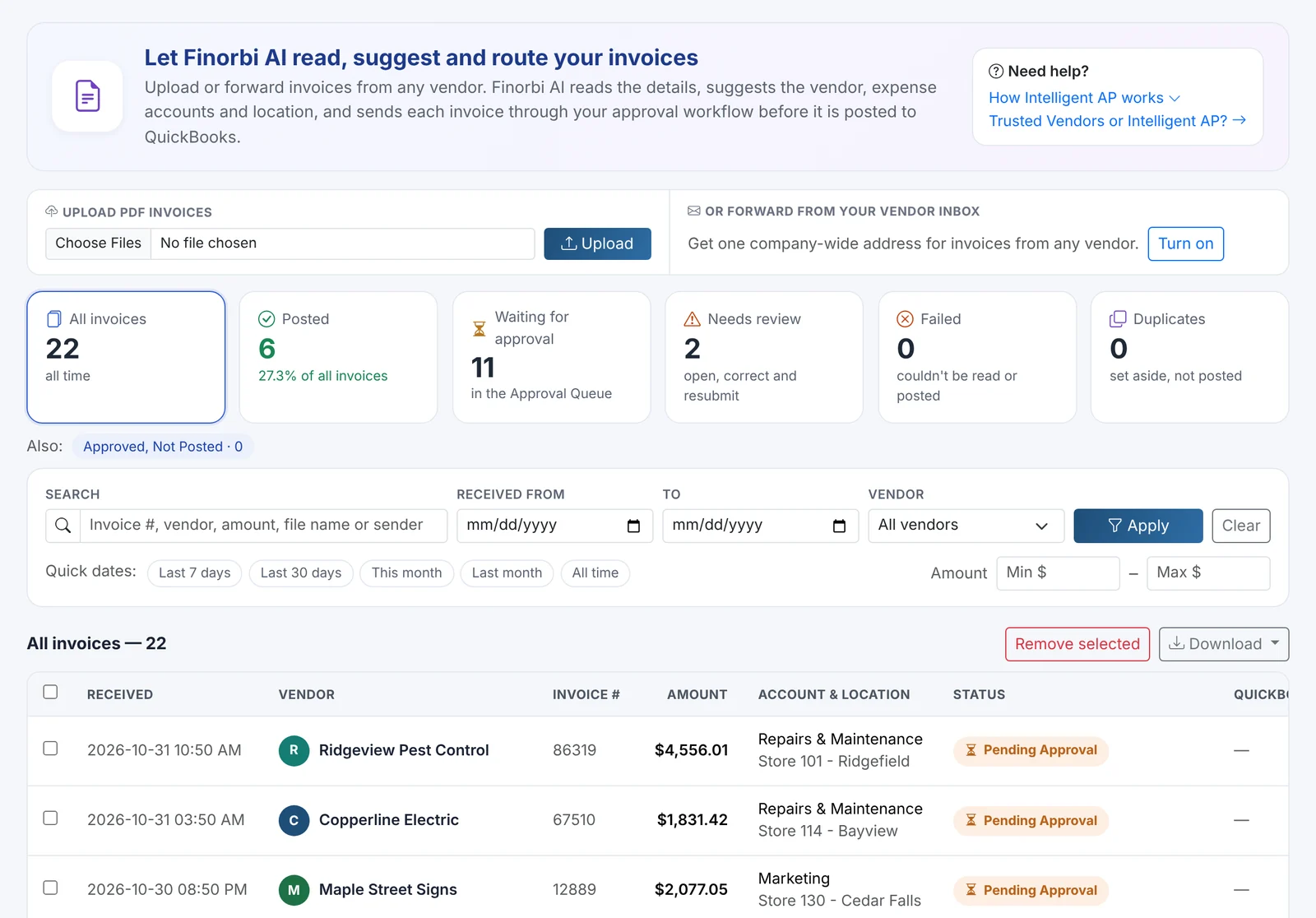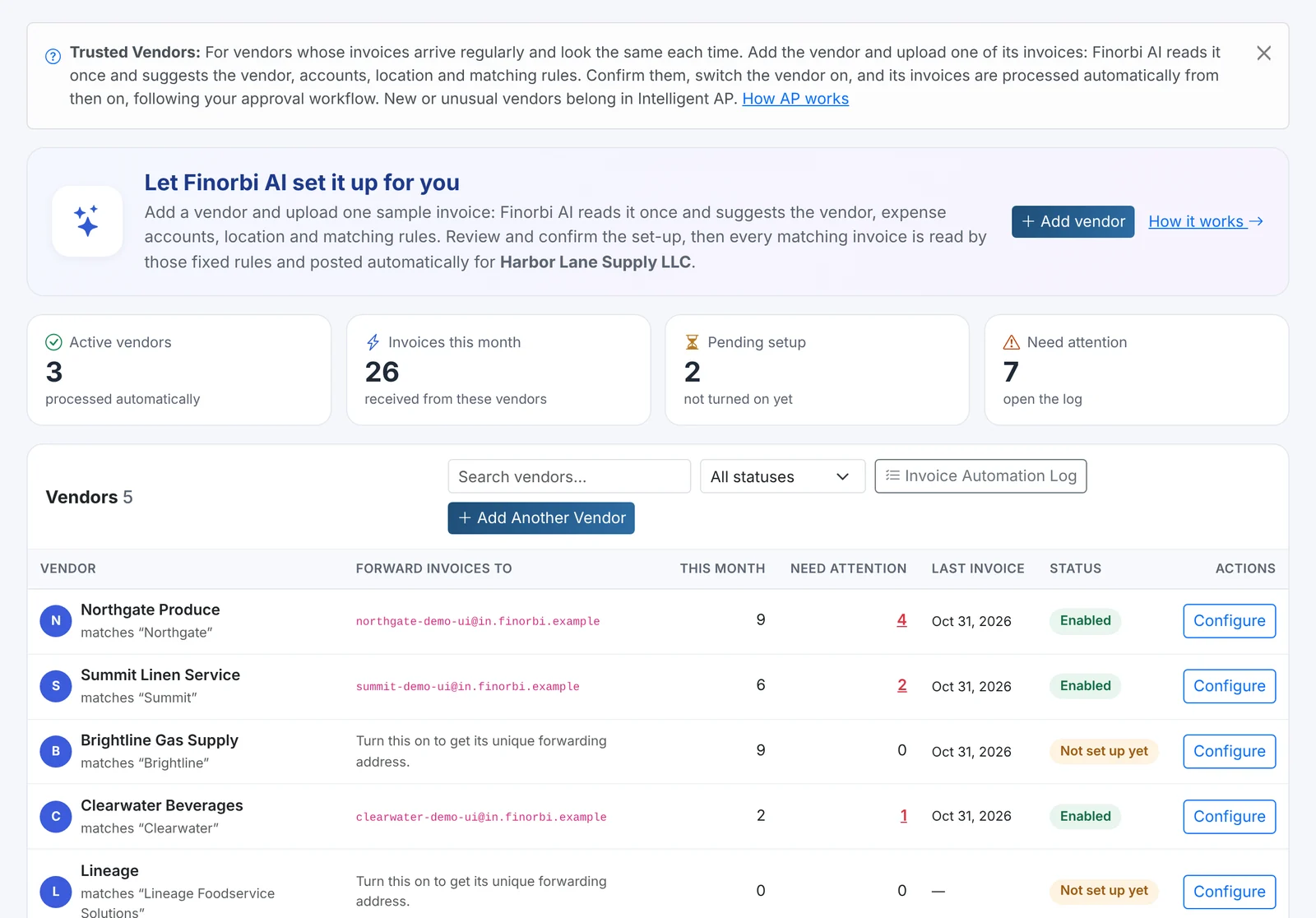
Crumpled receipts in an envelope. Mileage logs written from memory at the end of the month. A spreadsheet emailed to accounting, then re-keyed into QuickBooks Online. Expense reimbursement is small money with a big administrative cost - and it's easy to get wrong.
Finorbi Employee Expenses gives every employee a simple, phone-friendly portal for receipts and mileage, and gives you approvals, controls and automatic posting to QuickBooks Online.
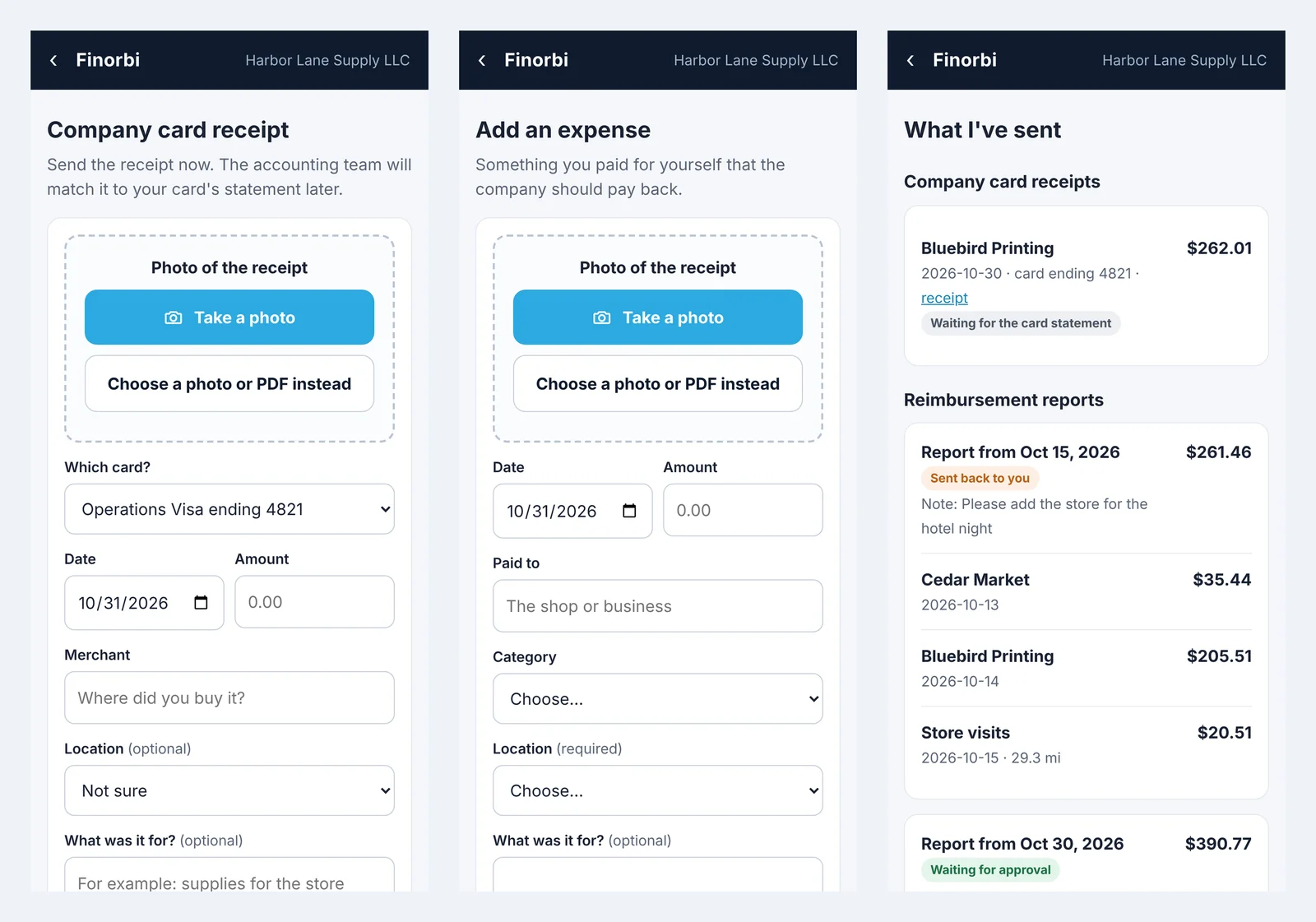
For employees: three taps, no QuickBooks login
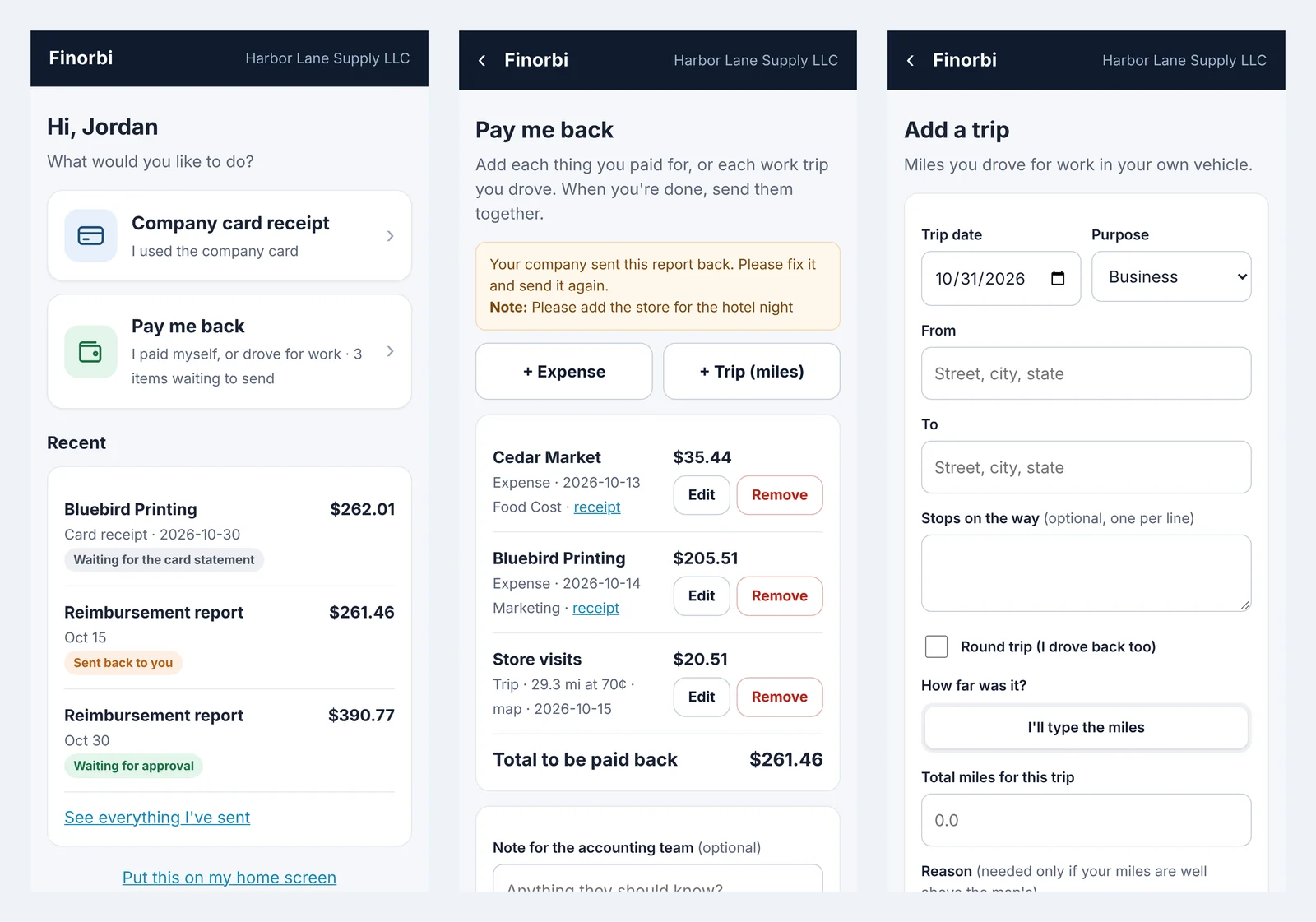
Employees don't need a QuickBooks Online seat or even a password. They open your company's link (for example, app.finorbi.com/yourcompany), enter their work email, and type the 6-digit code they receive. Their phone remembers them, and they can add the portal to their home screen like an app.
From the portal they can:
- Send a company card receipt - take a photo, pick the card, add the merchant, location and purpose. The accounting team matches it to the card statement later.
- Ask to be paid back - add each out-of-pocket expense with a photo of the receipt, an amount, a category and a location.
- Log a work trip - from and to addresses (with stops and round trip), and Finorbi works out the miles from the map and applies your mileage rate.
- See what they've sent - every receipt and report with its status, and any note if it was sent back.
For you: control without the chasing
Set the rules once
- Who can sign in - anyone with your company email domain, people you approve, or only people you invite.
- Categories and locations employees can choose from; require a location on every line if you want each store to carry its own costs.
- Receipts required for out-of-pocket expenses.
- Mileage rates by purpose (business, medical, charity) with effective dates, so a rate change never alters past trips.
- Typed-miles tolerance - if an employee types more miles than the map shows by more than your tolerance, they must give a reason.
- Welcome message shown in the portal.
Approvals that know the store
Expense reports use Finorbi's Approval Workflows: route by amount, location or employee - for example, Store Manager then Accounting. Approvers see every line with its receipt and can approve, reject or send it back with a note (the employee sees it and resubmits). If no rule applies, you choose whether reports post straight away or wait in the queue for review.
Automatic posting to QuickBooks Online
Approved reports post as Bills to the employee's vendor record - split by location so each store carries its own share - with receipts attached. Finorbi can link each employee to an existing vendor or create one (marked as a 1099 vendor if you choose). The reimbursement then appears in Payment Runs, so employees are paid alongside your other vendors.
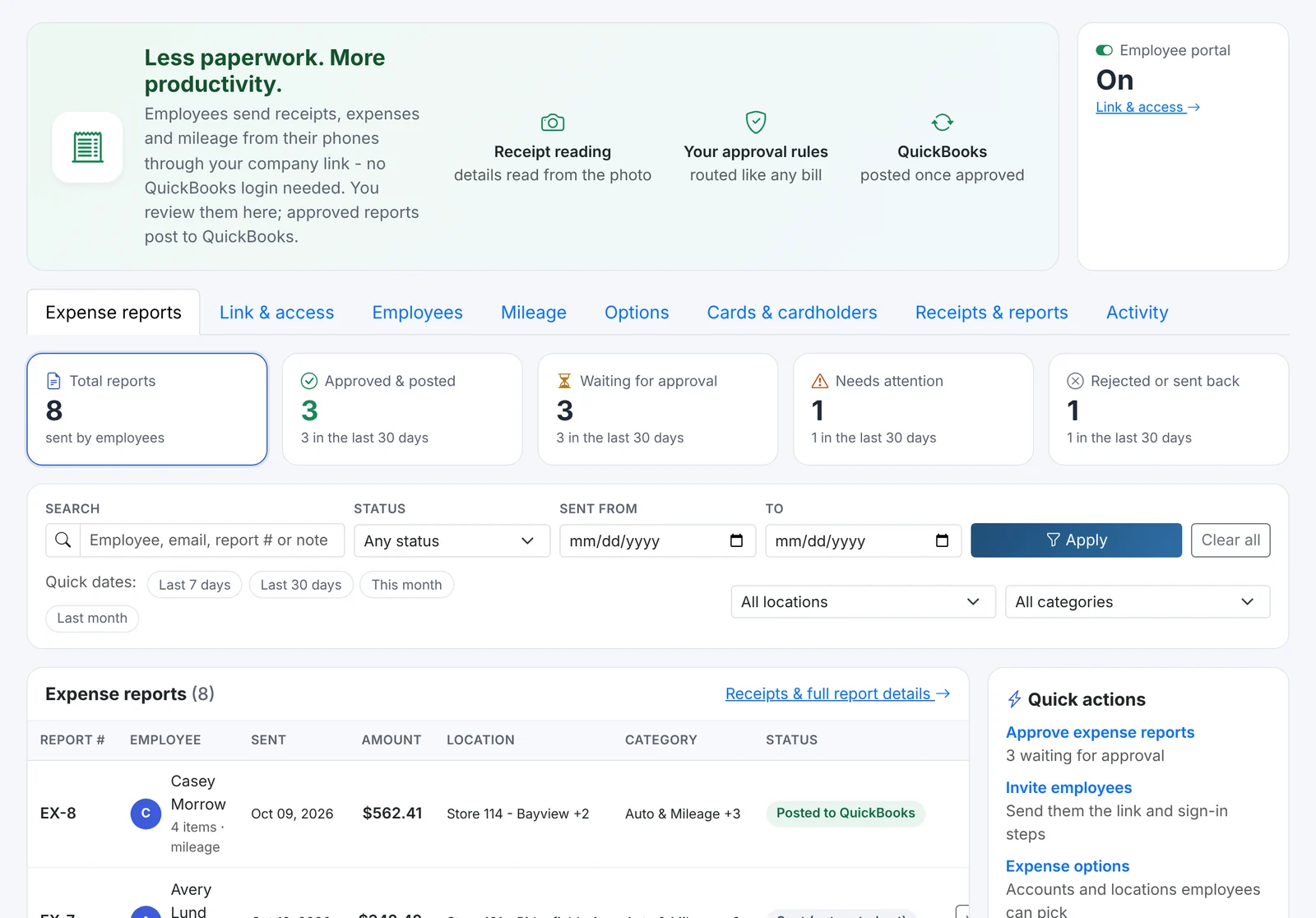
Everything in one place
The admin page has tabs for Expense reports, Link & access, Employees, Mileage, Options, Cards & cardholders, Receipts & reports and Activity - a full audit trail of who changed what. Any report can be downloaded as a PDF with its receipts.
Company cards, connected
Record which employee holds which card (by the last four digits). Card receipts sent from the portal are matched to the card statement lines when the statement is uploaded in Company Cards - so the receipt is attached in QuickBooks Online when the charge is posted. (See Company Card Coding.)
Employee Expenses is part of the AP Automation plans and is included in the 14-day full trial.