Most small and mid-sized businesses budget in a spreadsheet that's out of date by February. Multi-location businesses have it worse: one tab per store, formulas that break, and no easy way to compare actual results with the plan.
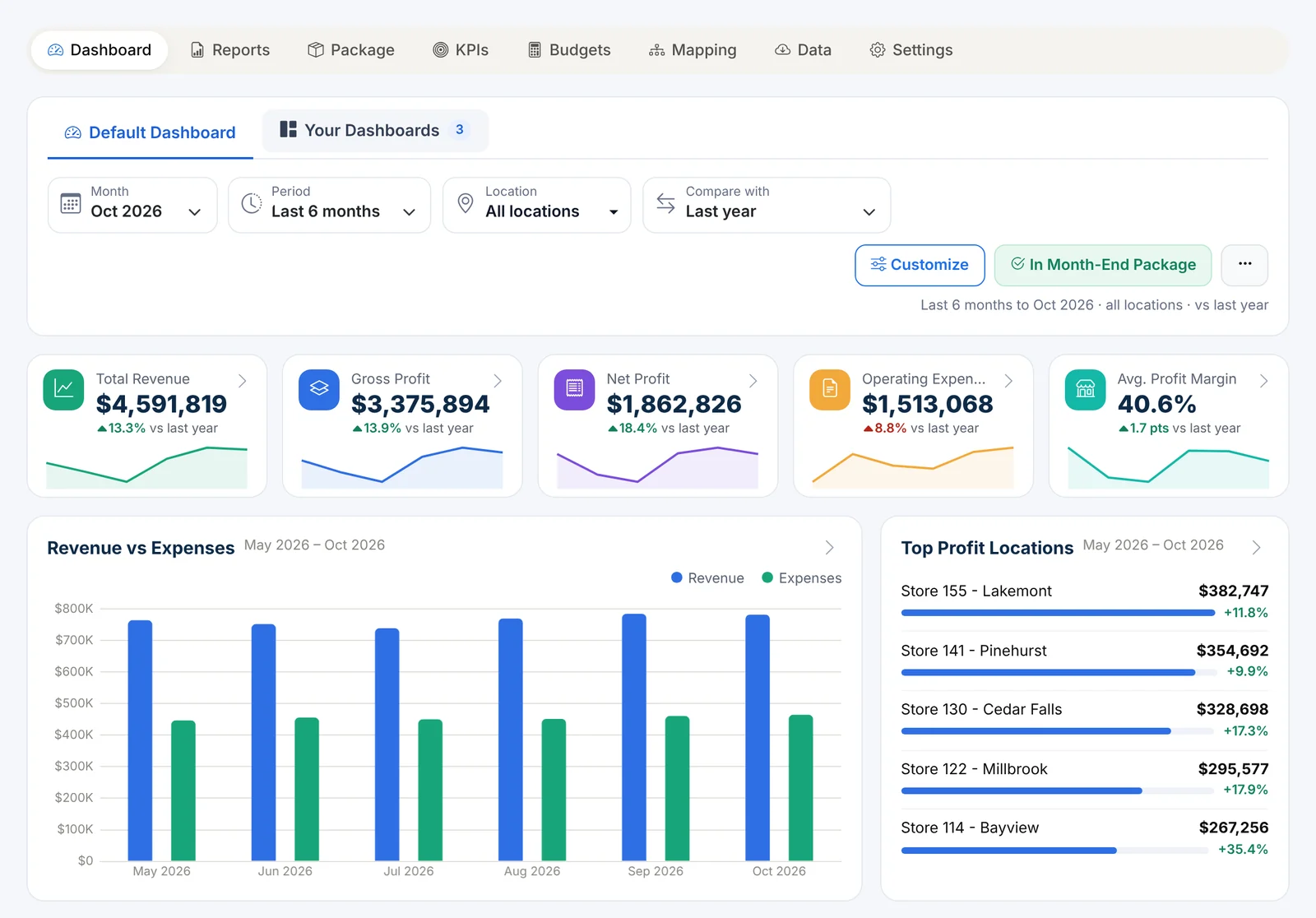
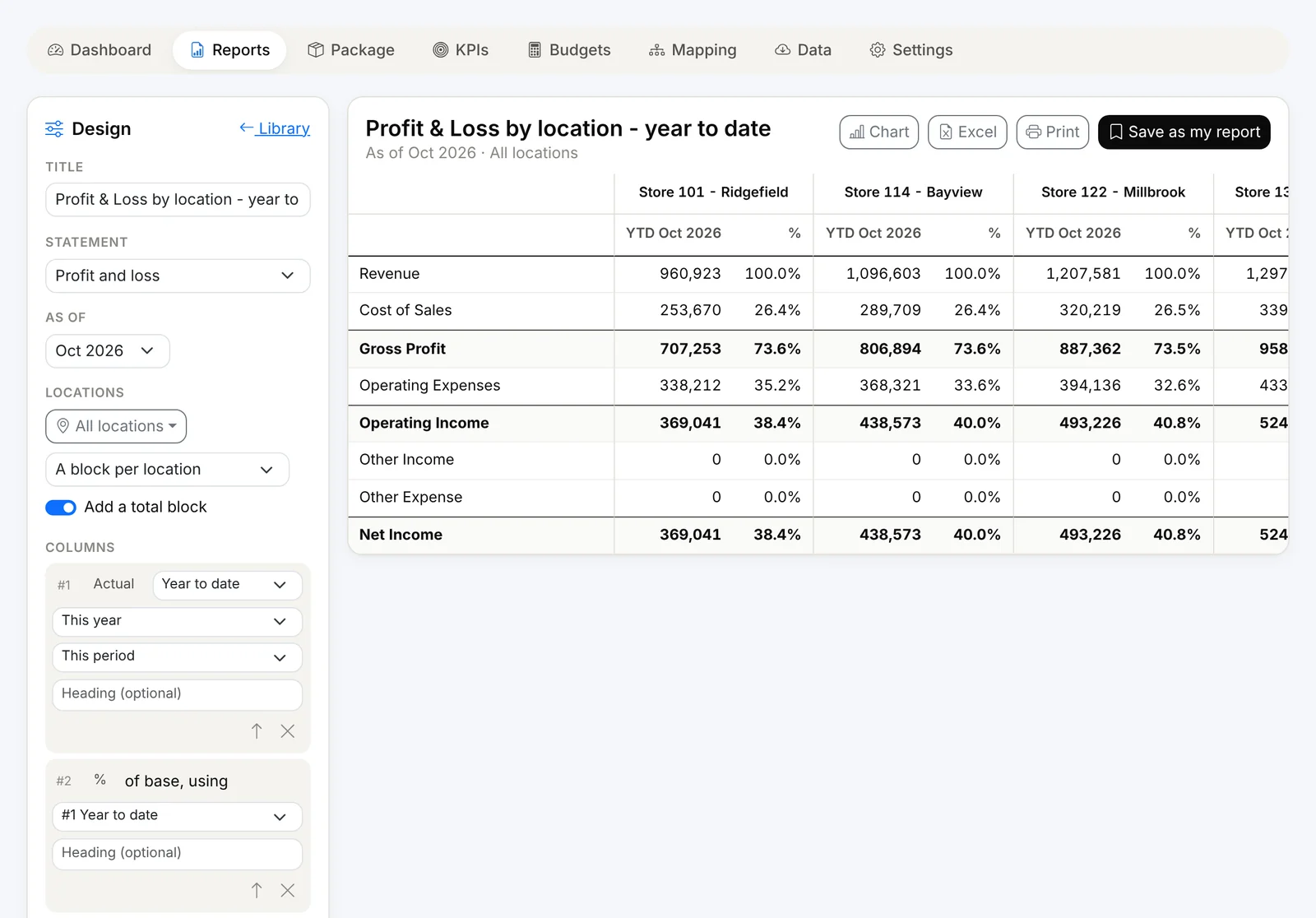
With Finorbi, you build and manage your budgets right inside the app - by location, on the same report lines as your financial statements - and every dashboard, report and KPI can compare actual against budget automatically.
Start in seconds, not days
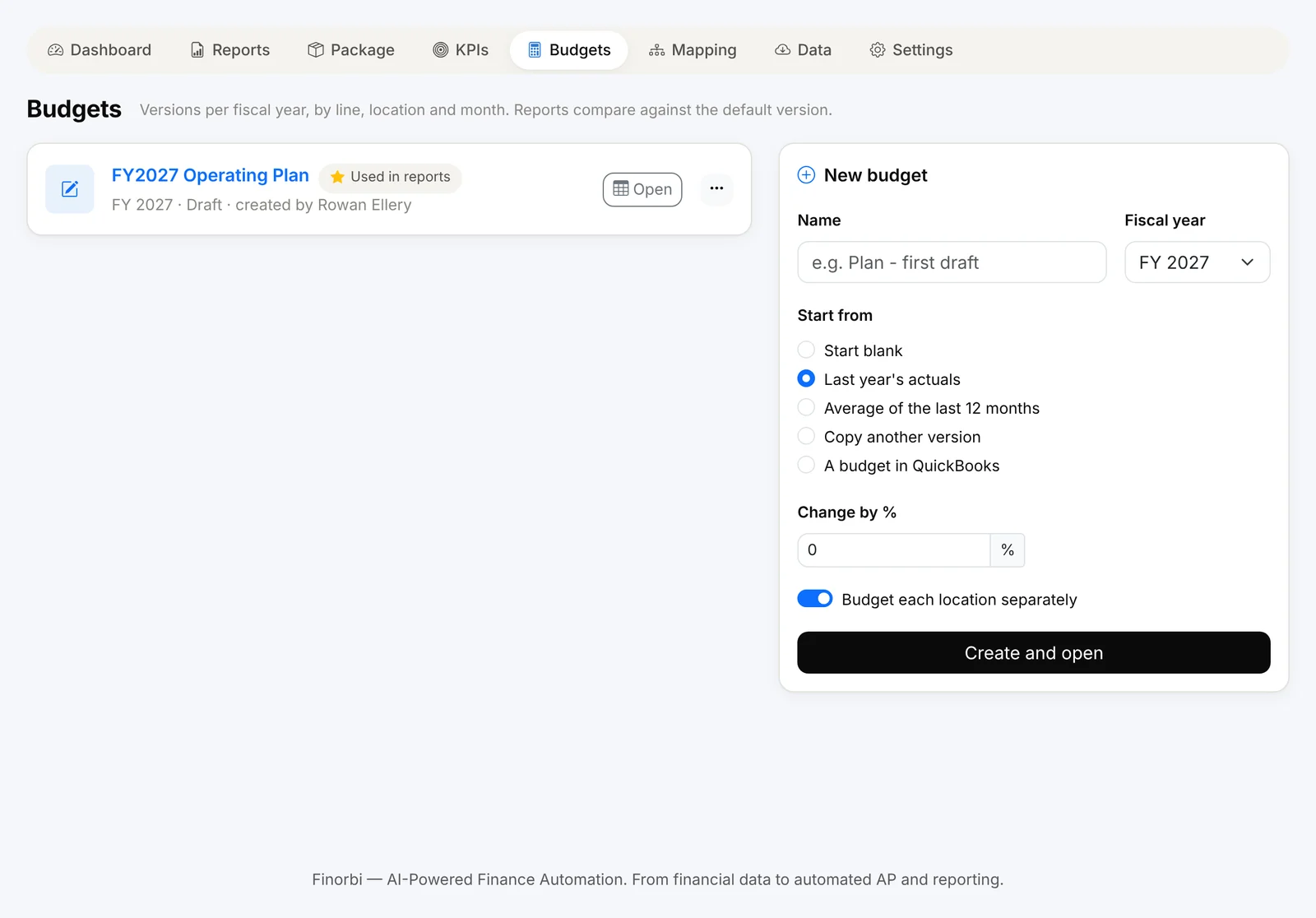
Create a budget for any fiscal year and choose how to start:
- Last year's actuals - with an optional % change (for example, +4%),
- Average of the last 12 months,
- Copy another version - such as last year's budget or a draft,
- A budget already in QuickBooks Online - bring it in as it is,
- Blank.
Turn on Budget each location separately and Finorbi builds the budget store by store.
Edit the way finance teams work
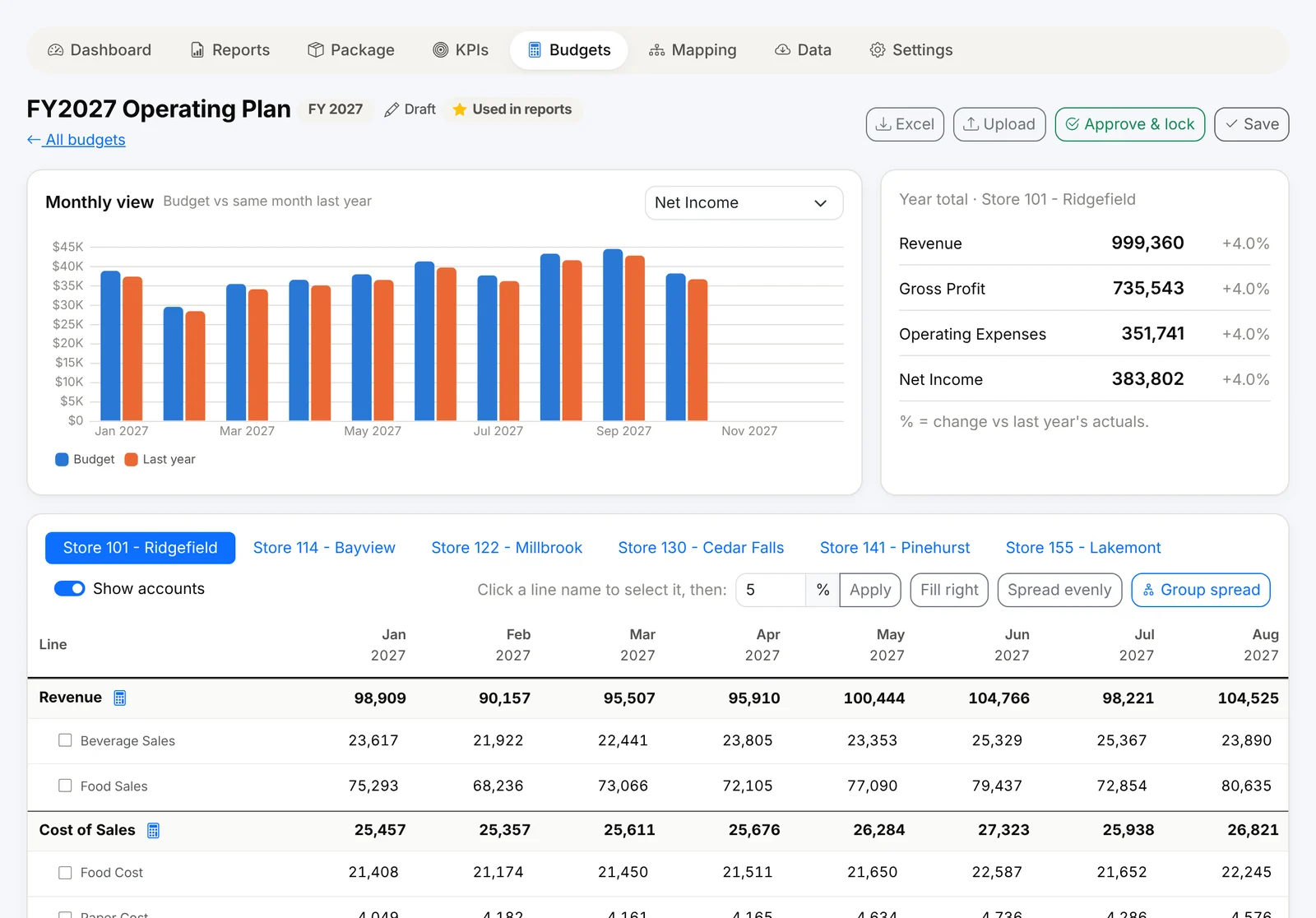
- Grid by month - every report line and its accounts, with totals that roll up as you type.
- Location tabs - move between stores, or work on a location group.
- Quick tools - apply a % change, fill right, spread evenly across months.
- Show or hide accounts to work at line level or account level.
- Excel round trip - download the budget, work on it offline, upload it back.
Driver-based budget lines
Some lines depend on others. Finorbi supports drivers so they update themselves:
- % of another line - for example, food cost as 29% of food sales (one % for the year, or one per month),
- Fixed + rate - a fixed amount plus a rate per 1,000 of another line, or per unit you enter,
- Hours x rate - hours times an hourly rate plus burden %, with a step-up from a chosen month (for a pay rise).
Change revenue and every driven line recalculates.
Spread a group total across locations
Have one number for a region? Group spread splits a total across the group's locations by each location's share of last year (of revenue or any line you choose) or equally - and across months by last year's seasonality or evenly.
Approve and lock
Budgets move from Draft to Approved & locked. A locked budget can't be changed by accident; an Admin can unlock it if needed. Mark one version as the default - that's the one reports, dashboards and KPIs compare against.
Actual vs budget everywhere
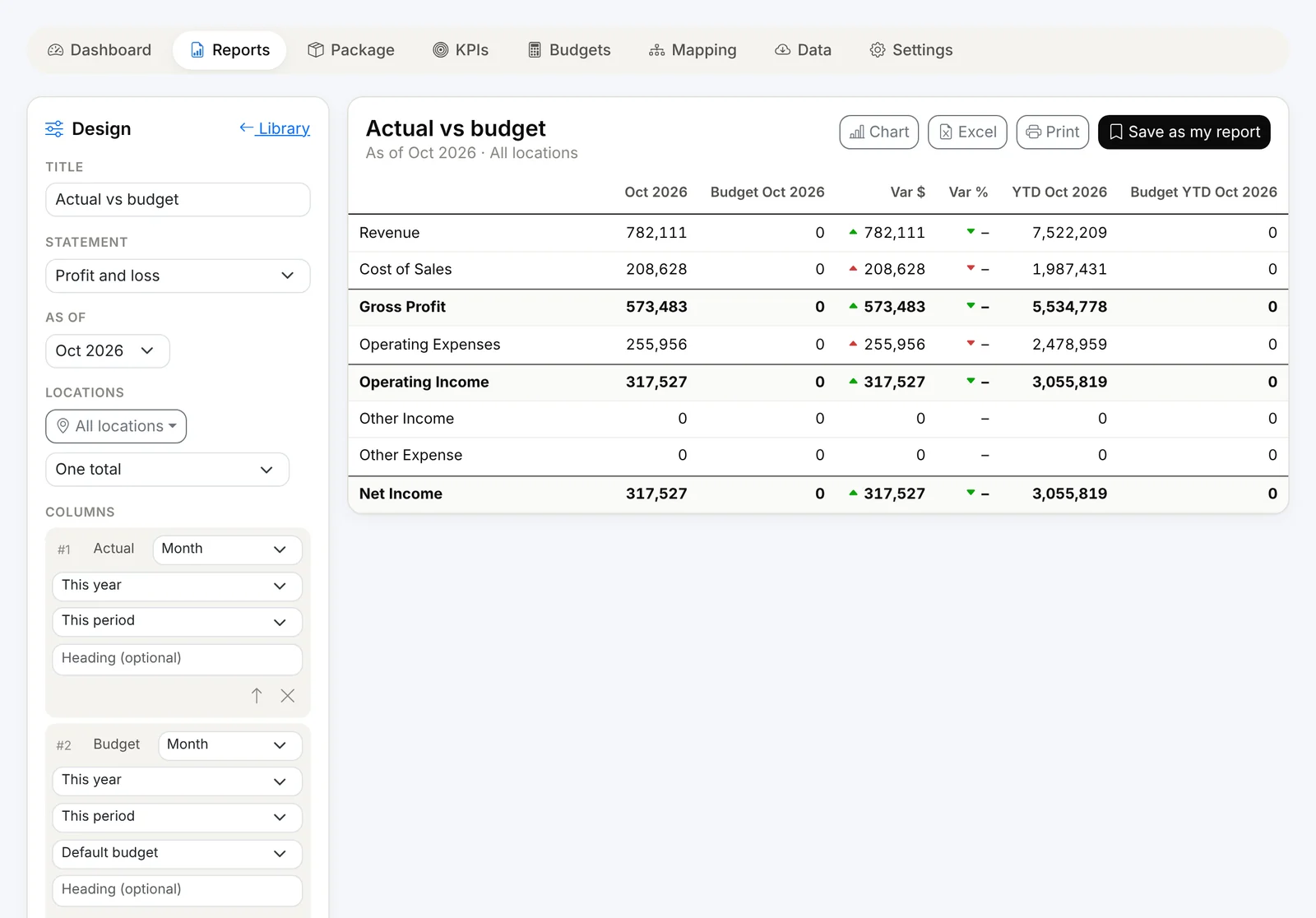
- Actual vs budget and budget by month reports, by location or location group.
- Dashboards - set Compare with to Budget, or Last year and budget.
- KPIs - see each KPI against budget with differences.
- Month-end package - budget comparisons included automatically.
Budgeting is part of Financial Intelligence, included from the Professional plan and in the 14-day full trial.