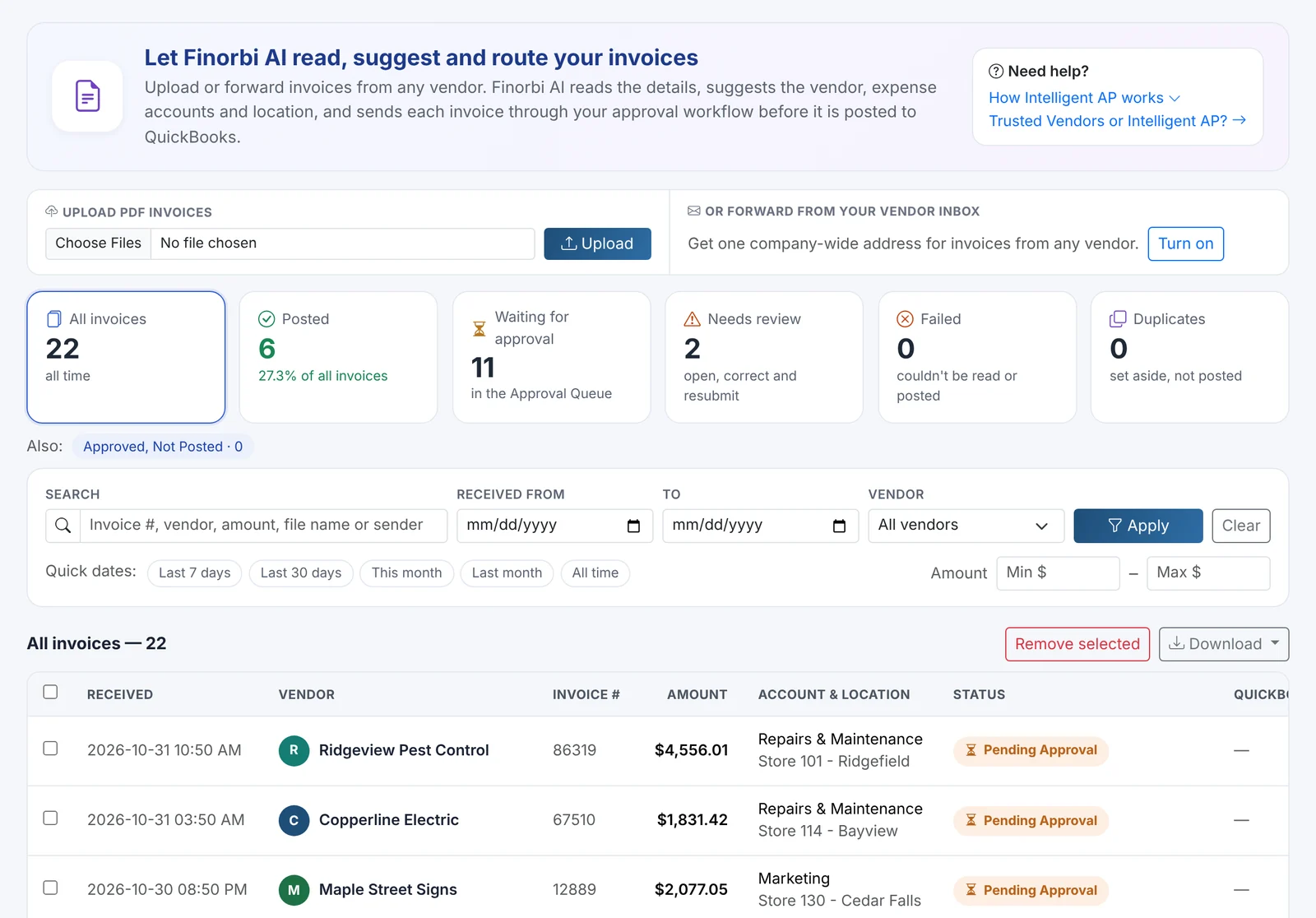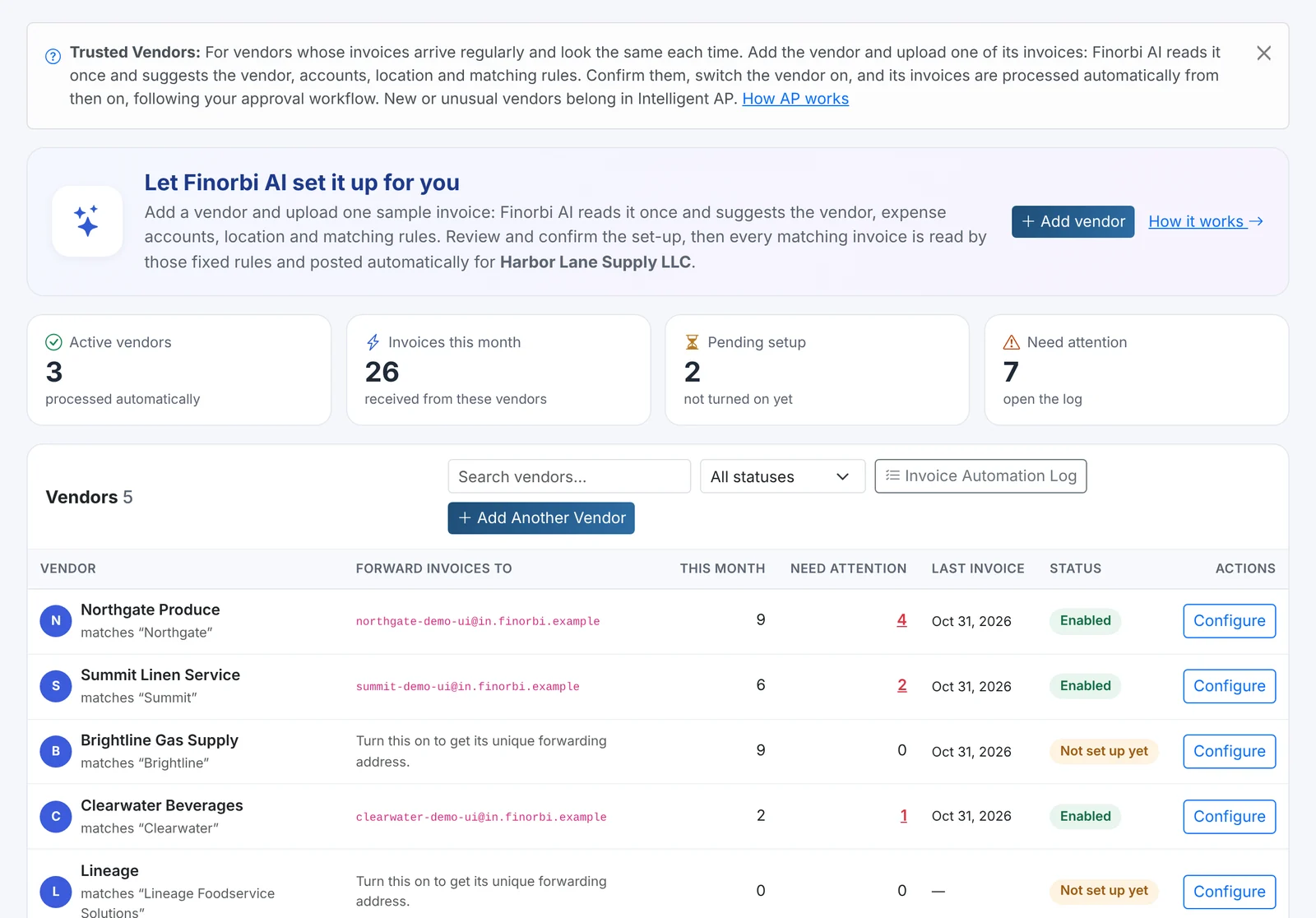
Approvals are where AP slows down. Invoices sit in someone's inbox, managers approve things they shouldn't, and nobody can say who signed off on what. Finorbi's Approval Workflow gives you rules that mirror your real chain of authority - and a queue that makes approving fast.
One approval engine for everything you spend
The same rules can cover every way money leaves the business:
- Intelligent AP and Trusted Vendor invoices,
- Company card statements,
- Employee expense reports,
- Payment runs.
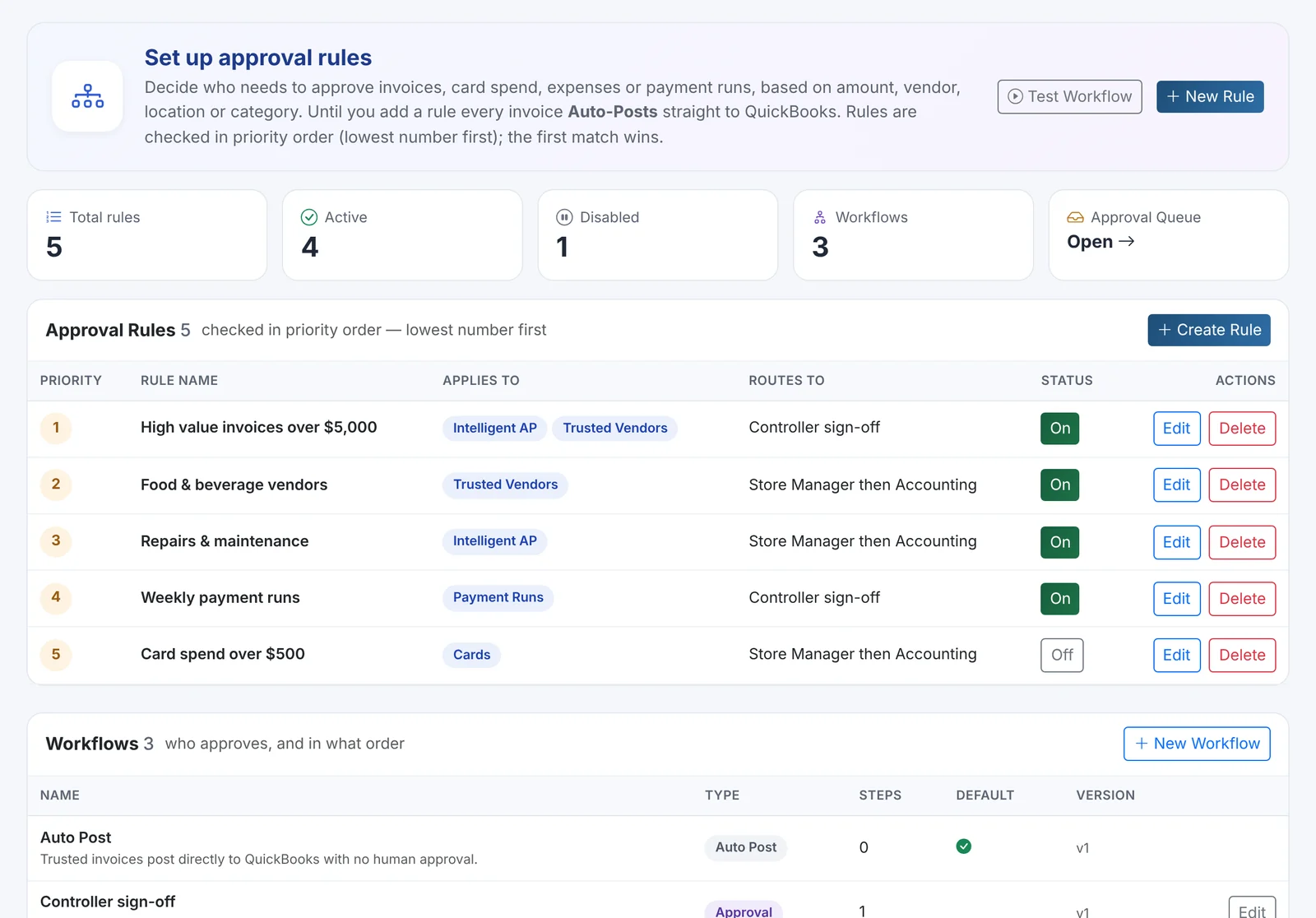
Rules: when does something need approval?
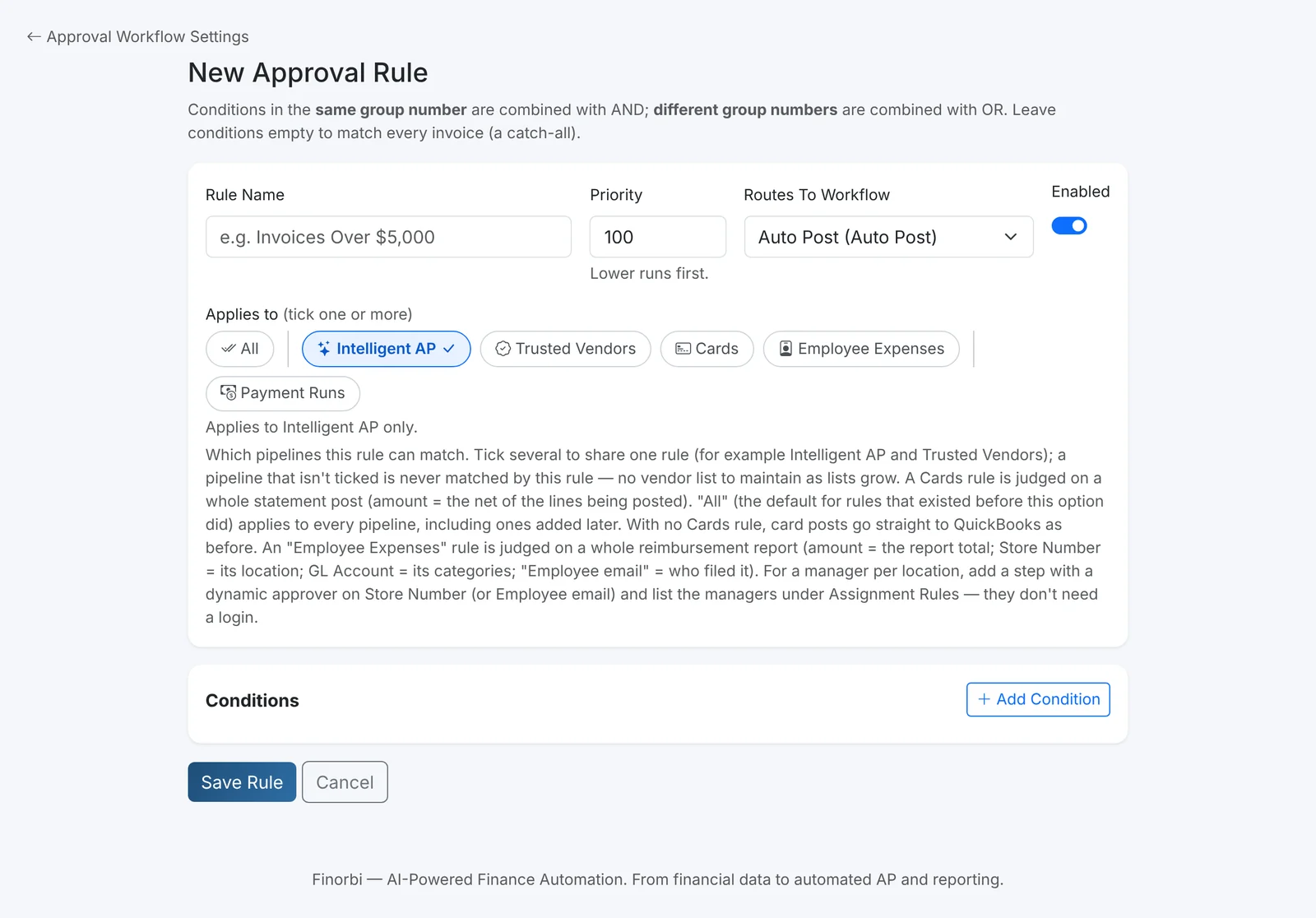
Each rule has conditions combined the way you'd say them out loud:
- Amount - for example, over $5,000.
- Vendor - one vendor or a list.
- Location - specific stores or regions.
- Account - such as repairs and maintenance or capital items.
- Source - which pipeline it came from.
Rules have a priority, can be switched on and off, and you can test a workflow against a sample invoice before going live.
Workflows: who approves, and in what order?
A workflow is a series of steps. Common examples:
- Store Manager, then Accounting - the manager confirms the work was done; Accounting confirms the coding.
- Controller sign-off - for large invoices and payment runs.
- Auto Post - nothing to approve; post straight to QuickBooks Online.
Steps can go to a specific person, to the manager of the invoice's location (set once with a simple store-to-manager list), to the Accounting team, or to an outside approver by email.
Approving is fast
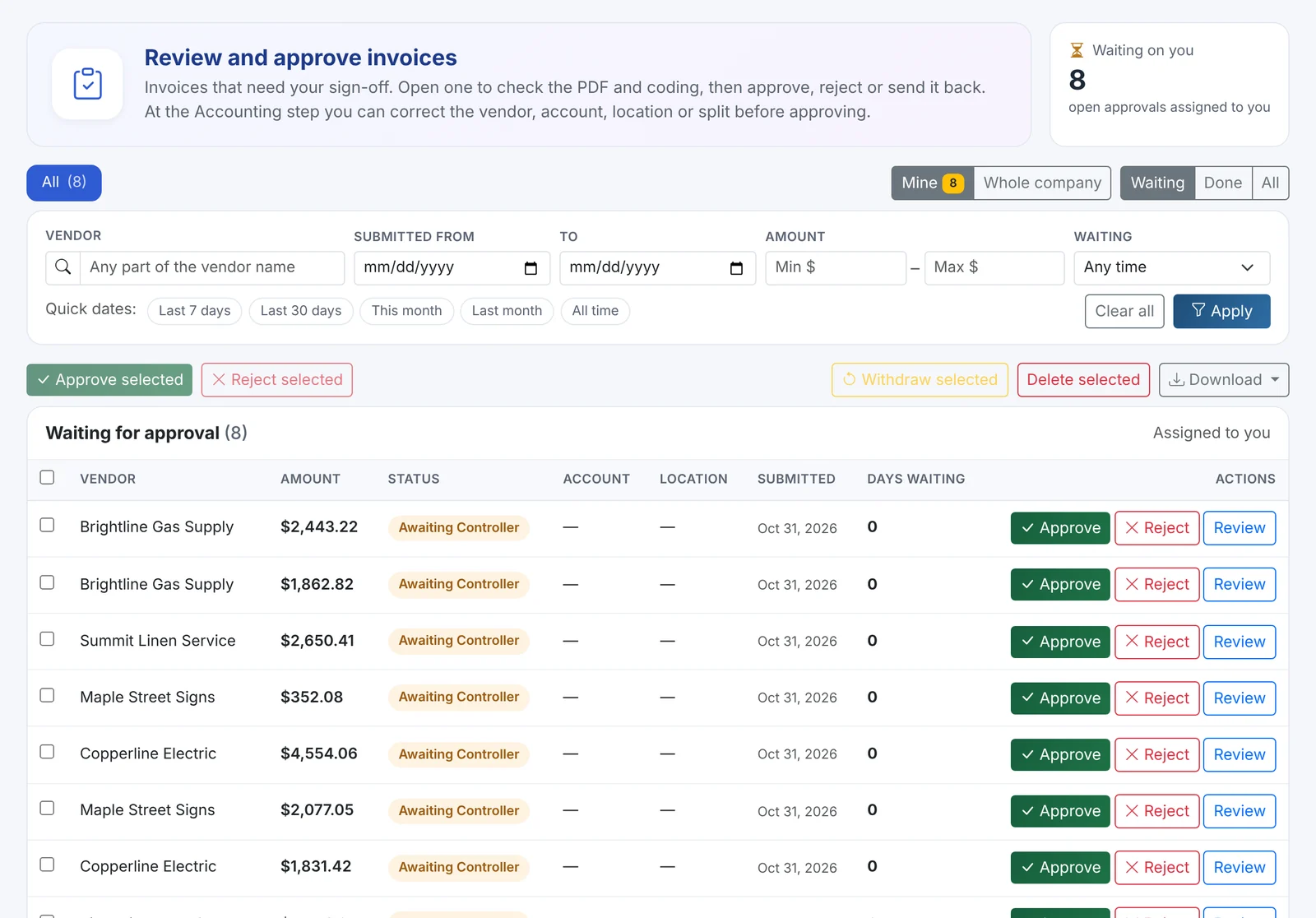
- Approval Queue - everything waiting for you, with the invoice PDF, the coding and how long it's been waiting. Filter by vendor, amount, date and status.
- Approve, reject or send back with a comment - individually or in bulk.
- Approve from email - approvers get one batched email with everything waiting for them and can act without logging in.
- The Accounting step can fix the coding - correct the vendor, account, location or split before approving.
- Reassign or withdraw an approval when people are away.
Controls auditors like
- Segregation of duties - whoever submitted an item can't approve it, and is skipped automatically when a step would land on them.
- Full audit trail - every step, approver, comment and timestamp, through to posting and payment.
- Rules apply when items are submitted - changing a rule later doesn't silently change approvals already in progress; send an item back and resubmit to apply the new rules.
- Approval trails in the Payment Pack - each paid invoice's approval history is printed in the payment run's PDF pack.